- Halaman Utama /
- Elektronik /
- Computers, Laptops and Tablets /
- Computer Accessories /
- Docking Stations & Locks /
- Dell WD15 Docking Station
0 ratings


Item #:
63203714
Dell WD15 Docking Station
70% of respondents would recommend this to a friend
Item #:
63203714
MYR 523
Price Details
Excluding Shipping & Custom charges ( Shipping and custom charges will be calculated on checkout )
*All items will import from AS
0 ratings
Tuliskan ulasan
Dalam stok
 Diimport dari kedai USA
QTY:
Hanya 12 item ada dalam stok.
Pesan sekarang dan dapatkannya lebih kurang pada Sabtu, Oktober 17
Secured transaction
Ubuy works hard to protect your security and privacy. Our advanced payment security system ensures confidentiality by encrypting your information during transmission using AES (Advanced Encryption Standards) and SSL (Secure Socket Layer) protocols. Your payment details are 100% secure as we do not share your payment details with third party sellers.
Our Top Logistics Partners


Fast
Shipping

Free
Return*

Secure Packaging

100% Original Products

PCI DSS Compliance

ISO 27001 Certified





Note: Step Down Voltage Transformer required for using electronics products of AS store (110-120). Recommended power converters Beli Sekarang.


Maklumat produk
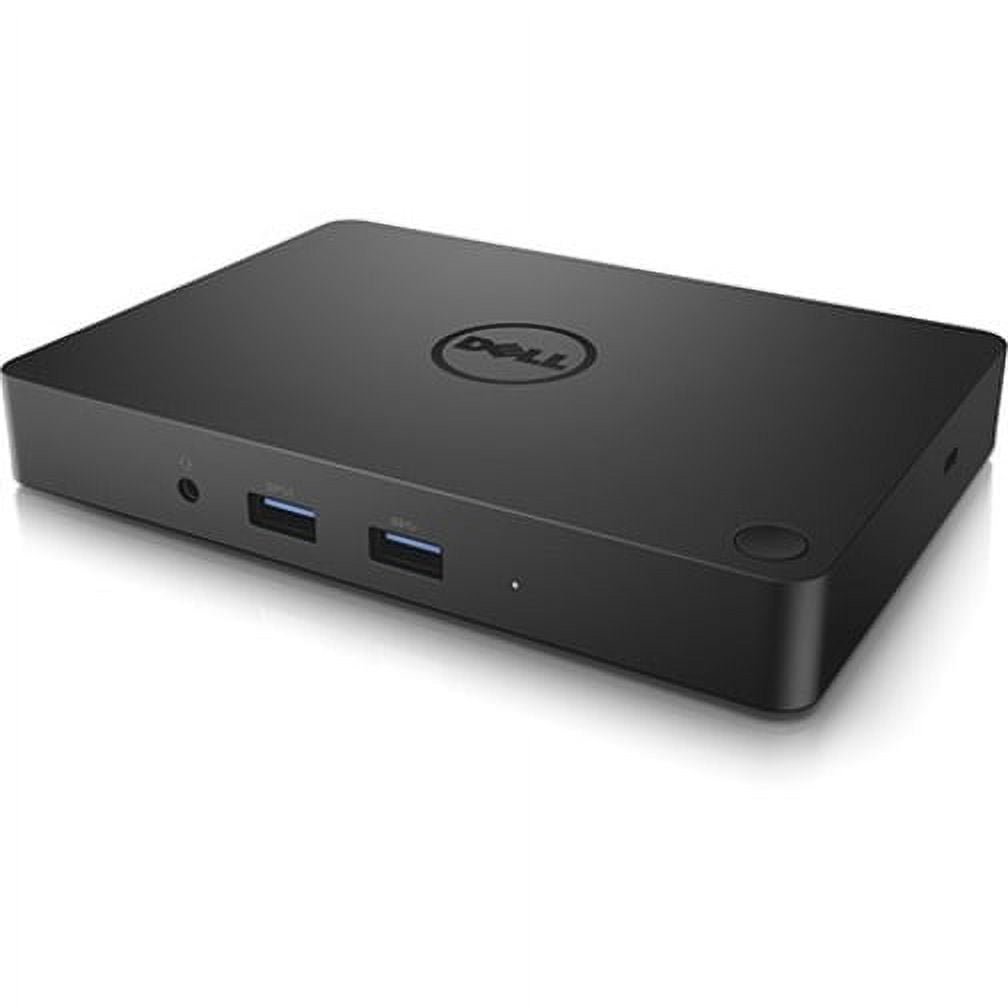
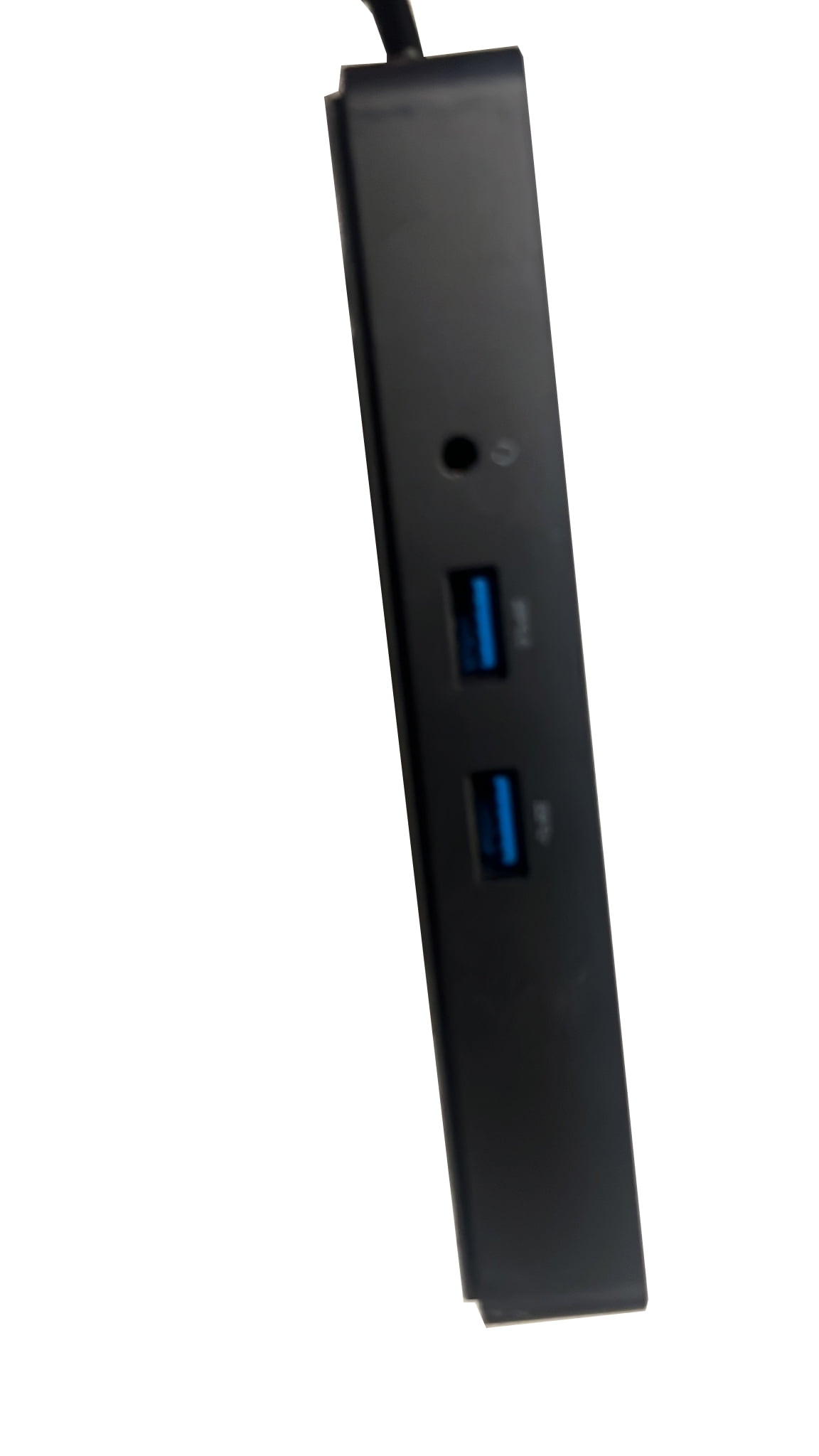
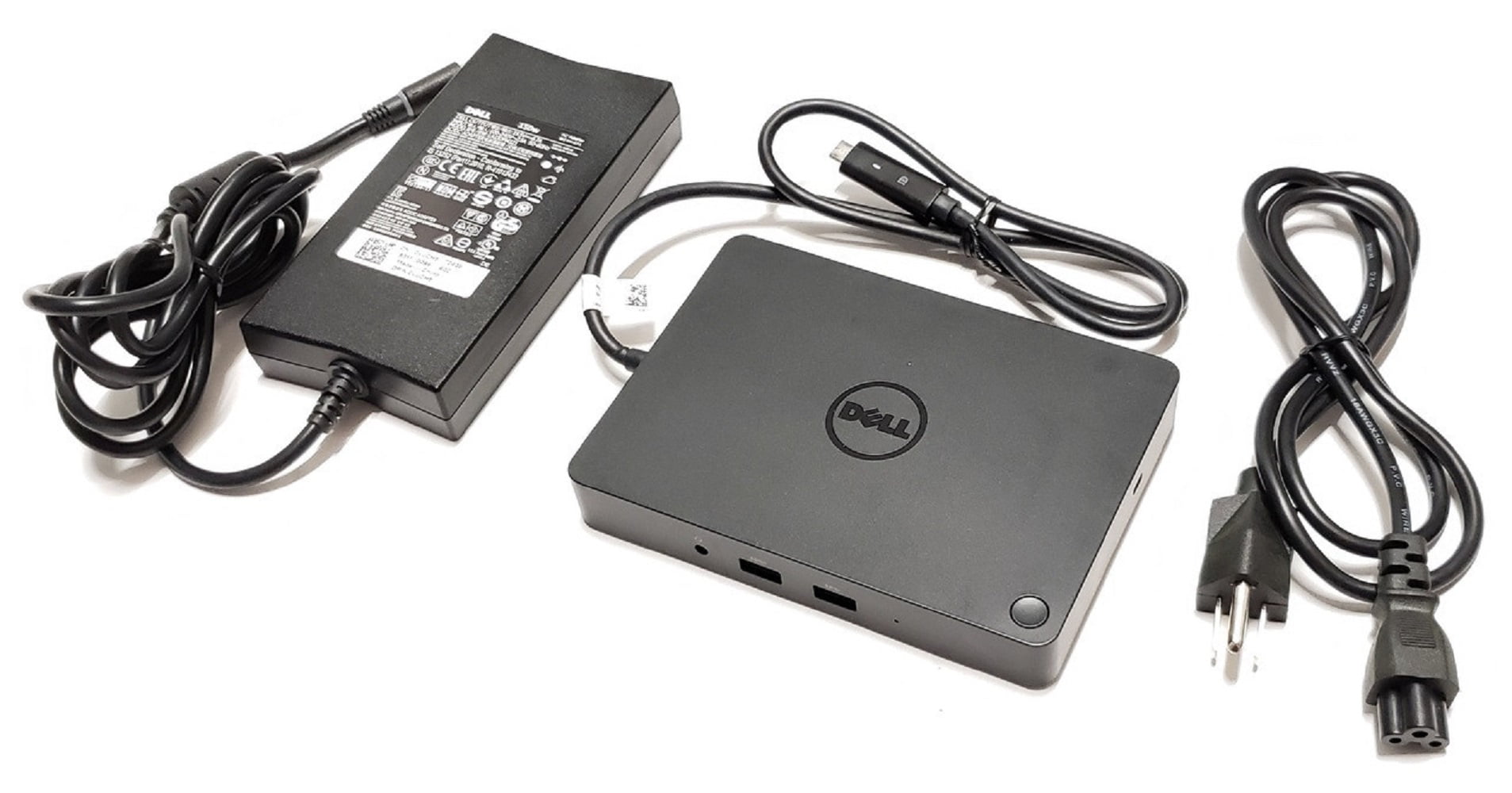
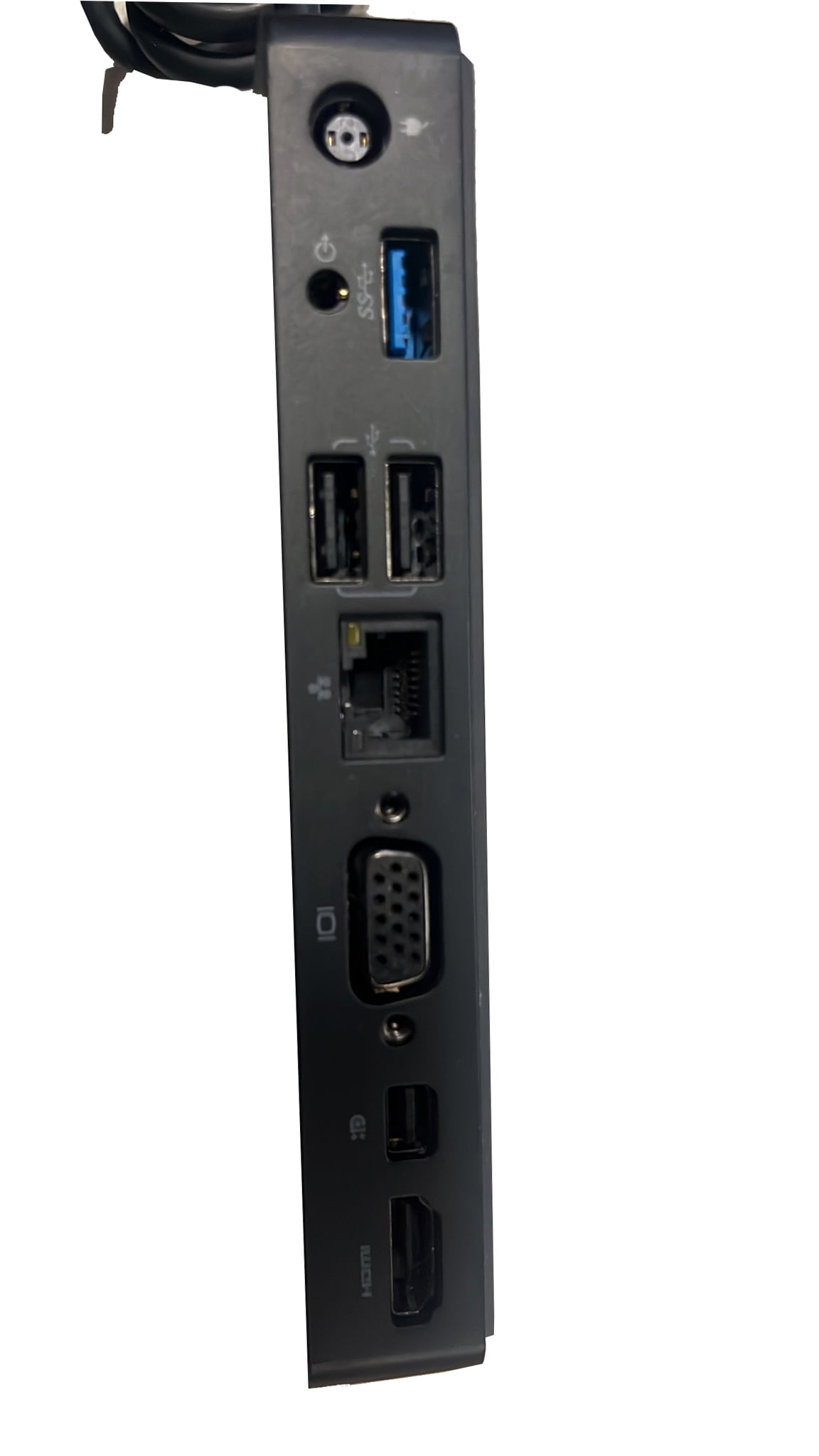
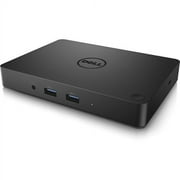
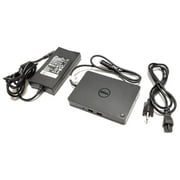
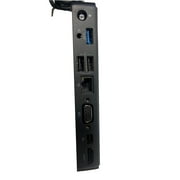
- Dell WD15 Docking Station, USB Type C, 5 x USB Ports, 2 x USB 2.0, 3 x USB 3.0, Network (RJ-45), HDMI, VGA, Mini DisplayPort, Audio Line Out, Thunderbolt, Wired
| Compatibility | Latitude 15 (E5570), Precision 15 (3510), Precision 15 (5510), Precision 15 (7510), Precision 17 (7710), XPS 15 (9550) |
| Inputs/Outputs | 5 x USB Ports, 2 x USB 2.0, 3 x USB 3.0, Network (RJ-45), HDMI, VGA, Mini DisplayPort, Audio Line Out, Thunderbolt |
| Usb version | USB 3.0 |
| Input/output quantity | 5 |
| Brand | Dell |
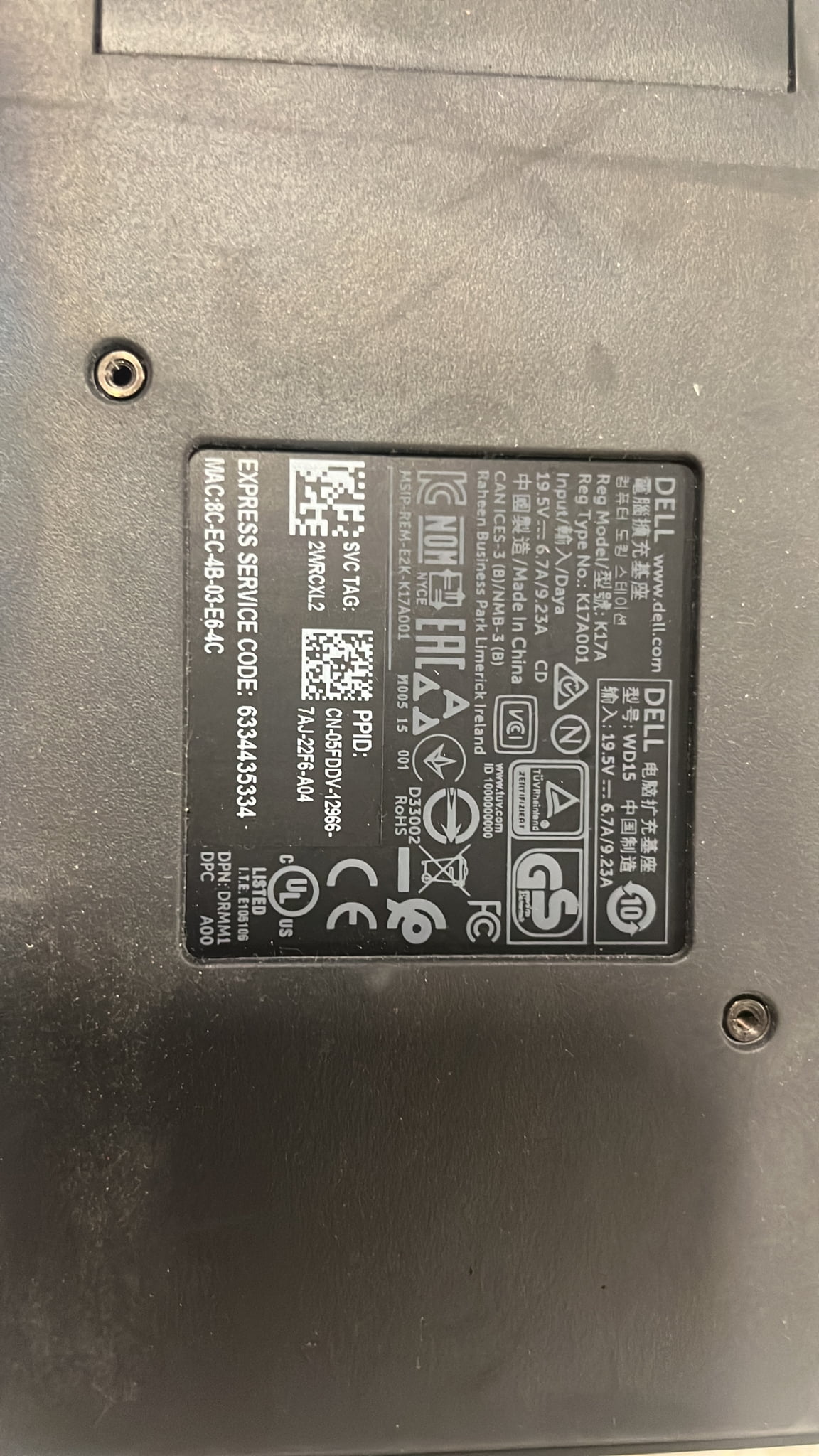
| Model name | WD15 |
| Has written warranty | No |
| Color | Black |
| Weight | 1 lb (450 grams) |
| Input/output direction | Bi-Directional |
PENERANGAN PRODUK
Dell WD15 Docking Station
Ada sebarang Pertanyaan? Berbual dengan kami
Soalan & Jawapan Pelanggan
-
soalan:
Bagaimana untuk Membeli-belah Dell WD15 Docking Station Dalam Talian Dari Ubuy?
jawab: Sangat mudah untuk membeli-belah Dell WD15 Docking Station dalam talian daripada Ubuy.. Anda hanya perlu mencari produk, pilih kaedah penghantaran anda semasa mendaftar keluar dan hantar ke lokasi anda. -
soalan:
Adakah Dell WD15 Docking Station Tersedia untuk Beli-belah Dalam Talian dalam Malaysia?
jawab: Ya, di Ubuy Malaysia produk ini tersedia untuk anda membeli-belah pada harga yang berpatutan.. Dell WD15 Docking Station tidak tersedia secara tempatan tetapi anda boleh mempercayai kami dengan perkhidmatan penghantaran ekspres kami. -
soalan:
Berapa lama masa yang diperlukan untuk mendapatkan produk selepas membuat pesanan?
jawab: Masa penghantaran produk pesanan anda berbeza mengikut apa yang anda pesan dan kaedah penghantaran yang anda pilih.. Anggaran masa penghantaran dinyatakan semasa proses daftar keluar, jadi berhati-hati semasa membeli-belah.
Dell Docking Stations & Locks Editorial Review
Tiada ulasan editorial ditemui
Customer Reviews & Ratings
1 rating pelanggan
-
5 bintang
100%
-
4 bintang
0%
-
3 bintang
0%
-
2 bintang
0%
-
1 bintang
0%
Ulas Produk Ini
Kongsikan pandangan anda dengan pelanggan lain
Product Price History
Maklumat penting
- Pengehadan: Untuk produk penghantaran antarabangsa, harap maklum bahawa sebarang jaminan pengeluar mungkin tidak sah; pilihan perkhidmatan pengeluar mungkin tidak tersedia; manual produk, arahan, dan amaran keselamatan mungkin tidak dalam bahasa negara destinasi; produk-produk (dan bahan-bahan berkaitannya) mungkin tidak direka selaras dengan standard negara destinasi, spesifikasi, dan syarat pelabelan; dan produk-produk itu mungkin tidak mematuhi kepada voltan negara destinasi dan lain-lain standard elektrik (memerlukan penggunaan adaptor atau penukar aliran jika perlu). Penerima adalah bertanggungjawab untuk memastikan bahawa produk itu boleh diimport selaras dengan undang-undang negara destinasi. Apabila memesan dari Ubuy atau pihak afiliasinya, si penerima adalah merupakan pengimport dalam rekod dan mesti mematuhi kepada semua undang-undang dan peraturan negara destinasi.
- Bukan semua produk yang tersenarai di Ubuy adalah untuk dijual, kerana Ubuy adalah enjin carian global. Produk-produk adalah tertakluk kepada peraturan eksport/perdagangan.
MYR 523
Pesan sekarang dan dapatkannya lebih kurang pada Sabtu, Oktober 17
This item is not restrict in my country.(Please click on above link if this item is not restrict in your country, So our team will review and allow.)
QTY:
Hanya 12 item ada dalam stok.
Secured transaction
PCI DSS compliant and ISO 27001:2022 certified, with encrypted payments and full buyer protection on every order.
Our Top Logistics Partners
Fastest cross-border delivery
Ubuy Assurance
Experience worry-free shopping with 100% original products, PCI DSS-compliant payment security, ISO 27001-certified data protection, the fastest cross-border delivery, free returns *, and secure packaging on every order.